

1
Create a RapidAPI Account
Go to RapidAPI then sign up your account. If you already have an account, simply log in and move to Step 2.
2
Access Tiktok API
Access the Tiktok API, which will take you directly to the API’s main page on RapidAPI where you can view details and available endpoints.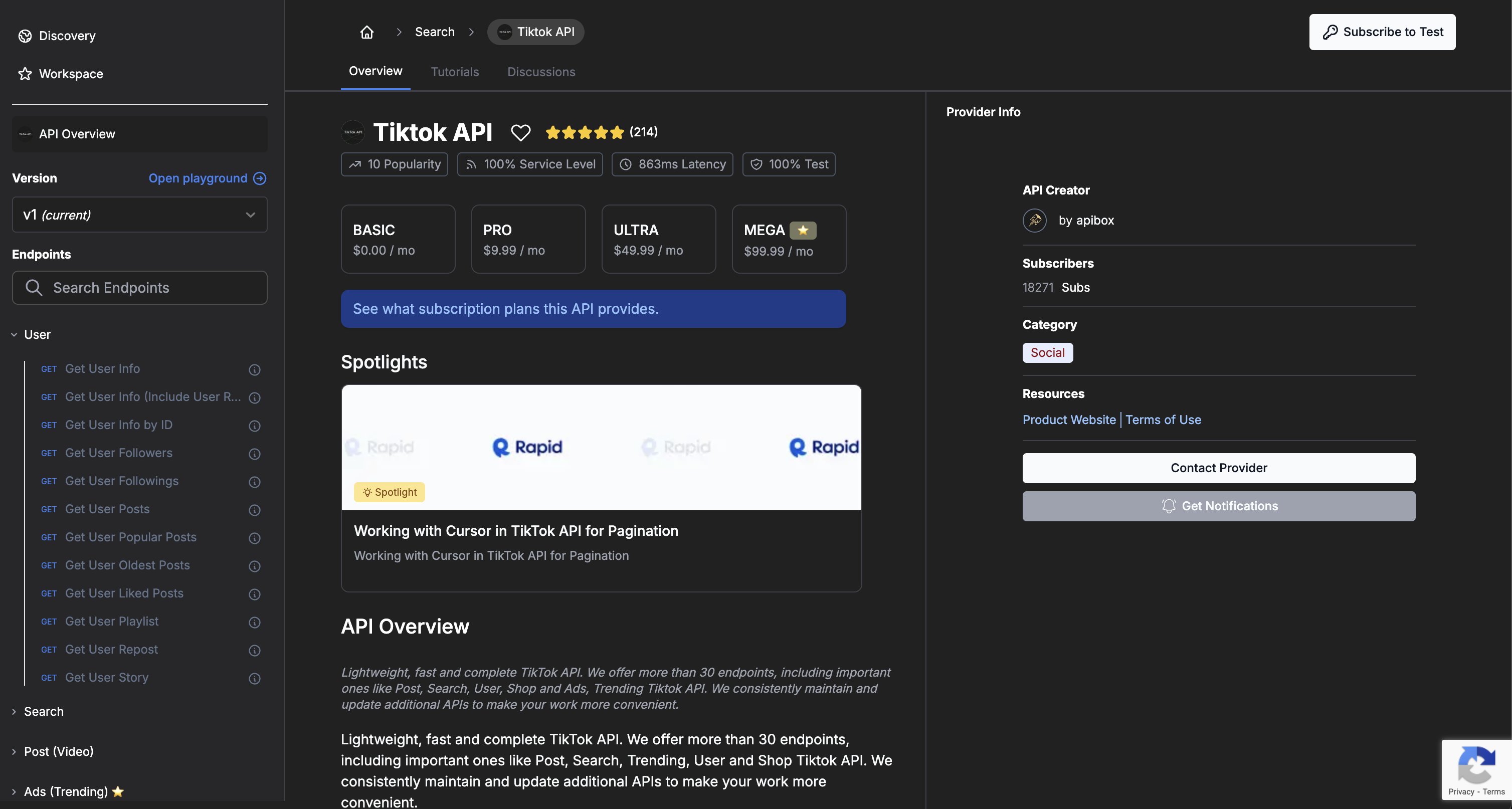
3
Subscribe to Tiktok API
On the API page, click Subscribe and choose a plan that fits your needs. Once you confirm your subscription, you will gain access to all endpoints.
4
Test Endpoints in the RapidAPI Playground
After subscribing, you can use RapidAPI’s built-in playground to test each endpoint. Enter parameters, send a request, and view the response directly in the page.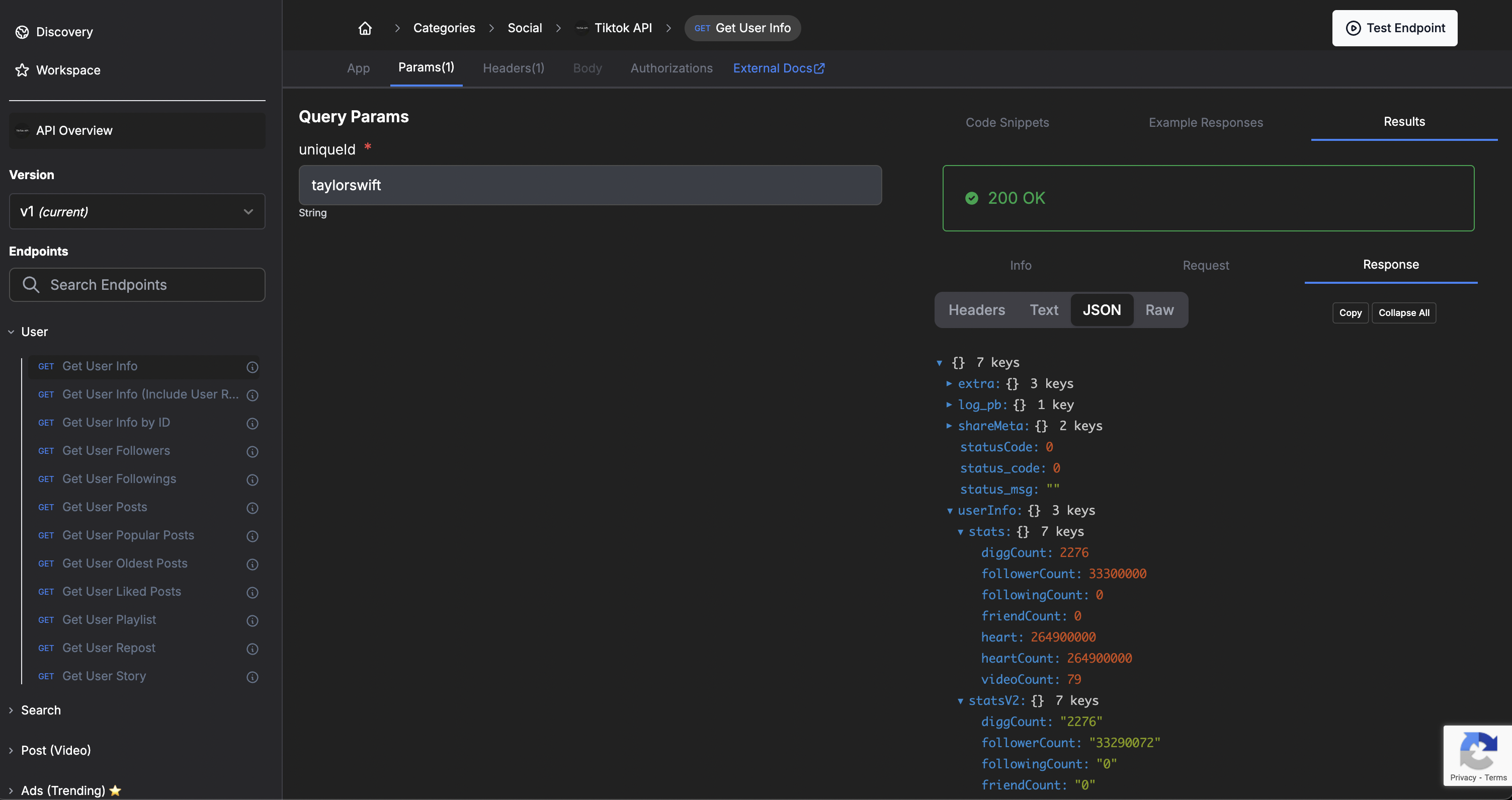
5
Find Your API Key
In the Code Snippets tab, RapidAPI will show your API key automatically included in the request headers. This key is required for all authenticated API requests.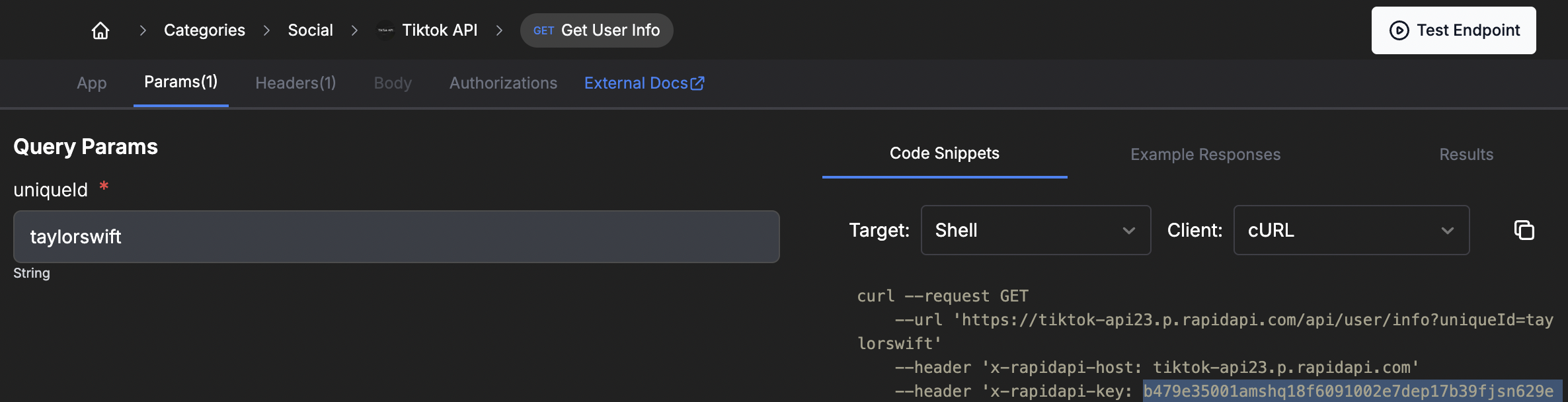
6
Use the API Key in Your Code
Copy the API key from the snippet and use it in your code. Ensure you include it in your request headers so your API calls are authorized and function correctly.
Need help? Check our support page or contact our team.