> ## Documentation Index
> Fetch the complete documentation index at: https://docs.tikfly.io/llms.txt
> Use this file to discover all available pages before exploring further.
# Quickstart
> How to use Tiktok API on RapidAPI – Step-by-Step Guide
Go to [RapidAPI](https://rapidapi.com/hub) then sign up your account. If you already have an account, simply log in and move to Step 2.
Access the [Tiktok API](https://rapidapi.com/Lundehund/api/tiktok-api23), which will take you directly to the API’s main page on RapidAPI where you can view details and available endpoints.
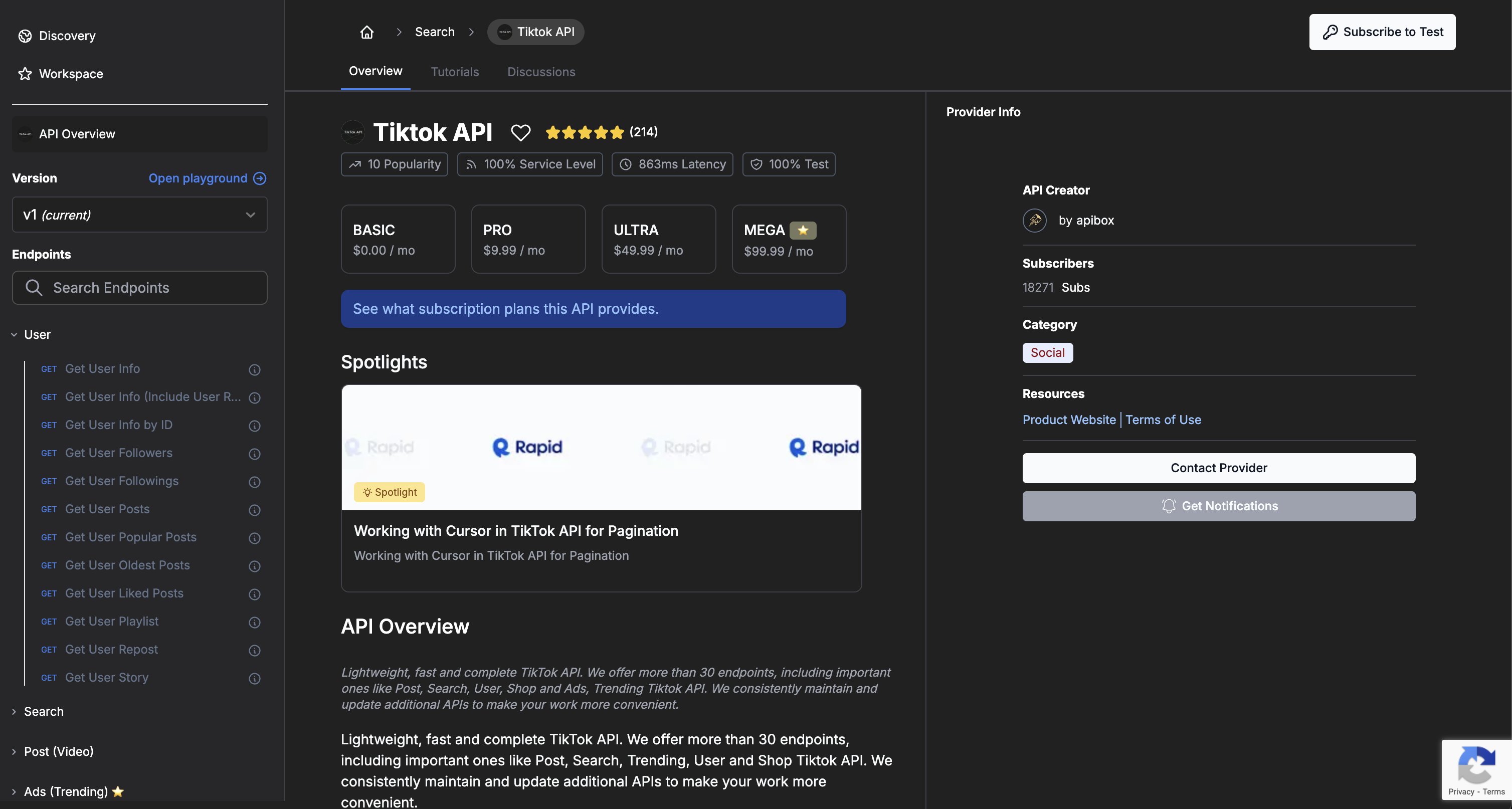 On the API page, click **Subscribe** and choose a plan that fits your needs. Once you confirm your subscription, you will gain access to all endpoints.
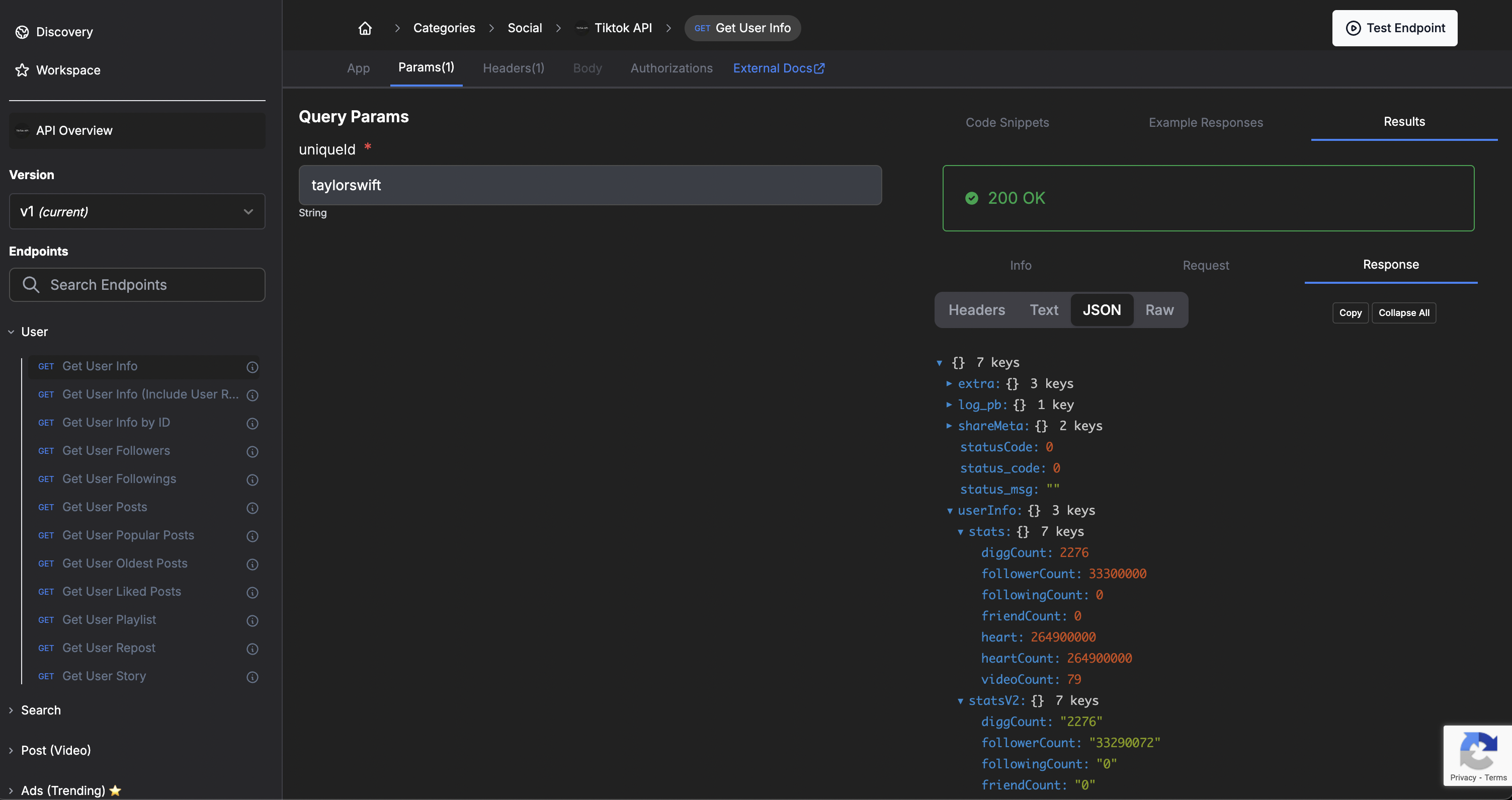
 After subscribing, you can use RapidAPI’s built-in playground to test each endpoint. Enter parameters, send a request, and view the response directly in the page.
 In the **Code Snippets** tab, RapidAPI will show your API key automatically included in the request headers. This key is required for all authenticated API requests.
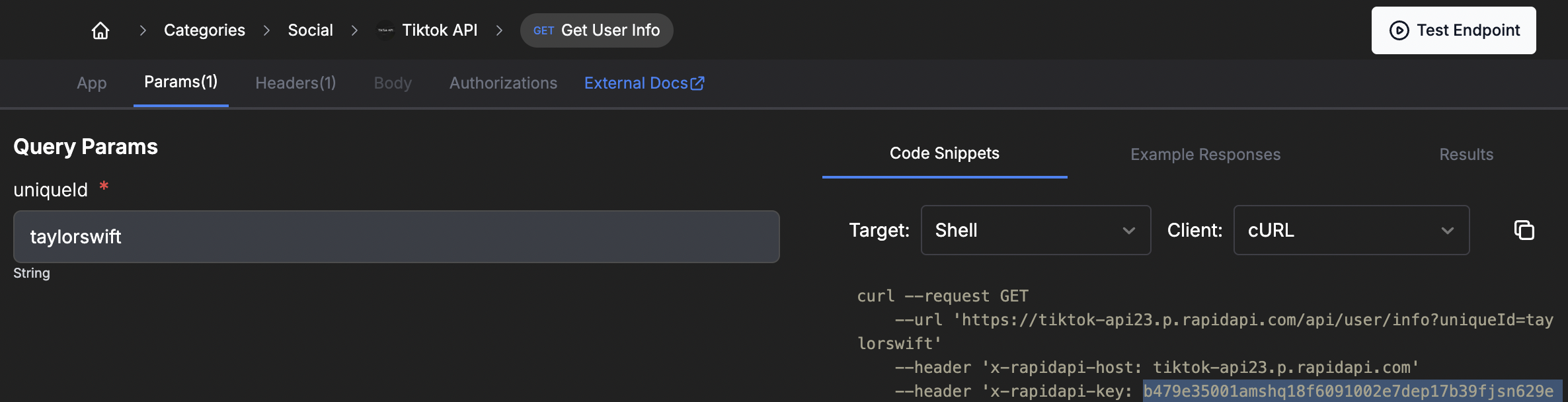 Copy the API key from the snippet and use it in your code. Ensure you include it in your request headers so your API calls are authorized and function correctly.
```bash theme={null}
curl --request GET
--url 'https://tiktok-api23.p.rapidapi.com/api/user/info?uniqueId=taylorswift'
--header 'x-rapidapi-host: tiktok-api23.p.rapidapi.com'
--header 'x-rapidapi-key: YOUR_API_KEY'
```
**Need help?** Check our support page or contact our team.
Copy the API key from the snippet and use it in your code. Ensure you include it in your request headers so your API calls are authorized and function correctly.
```bash theme={null}
curl --request GET
--url 'https://tiktok-api23.p.rapidapi.com/api/user/info?uniqueId=taylorswift'
--header 'x-rapidapi-host: tiktok-api23.p.rapidapi.com'
--header 'x-rapidapi-key: YOUR_API_KEY'
```
**Need help?** Check our support page or contact our team.